Gaming and Unique fontss
.jpg)
Gta6 Inspire Font
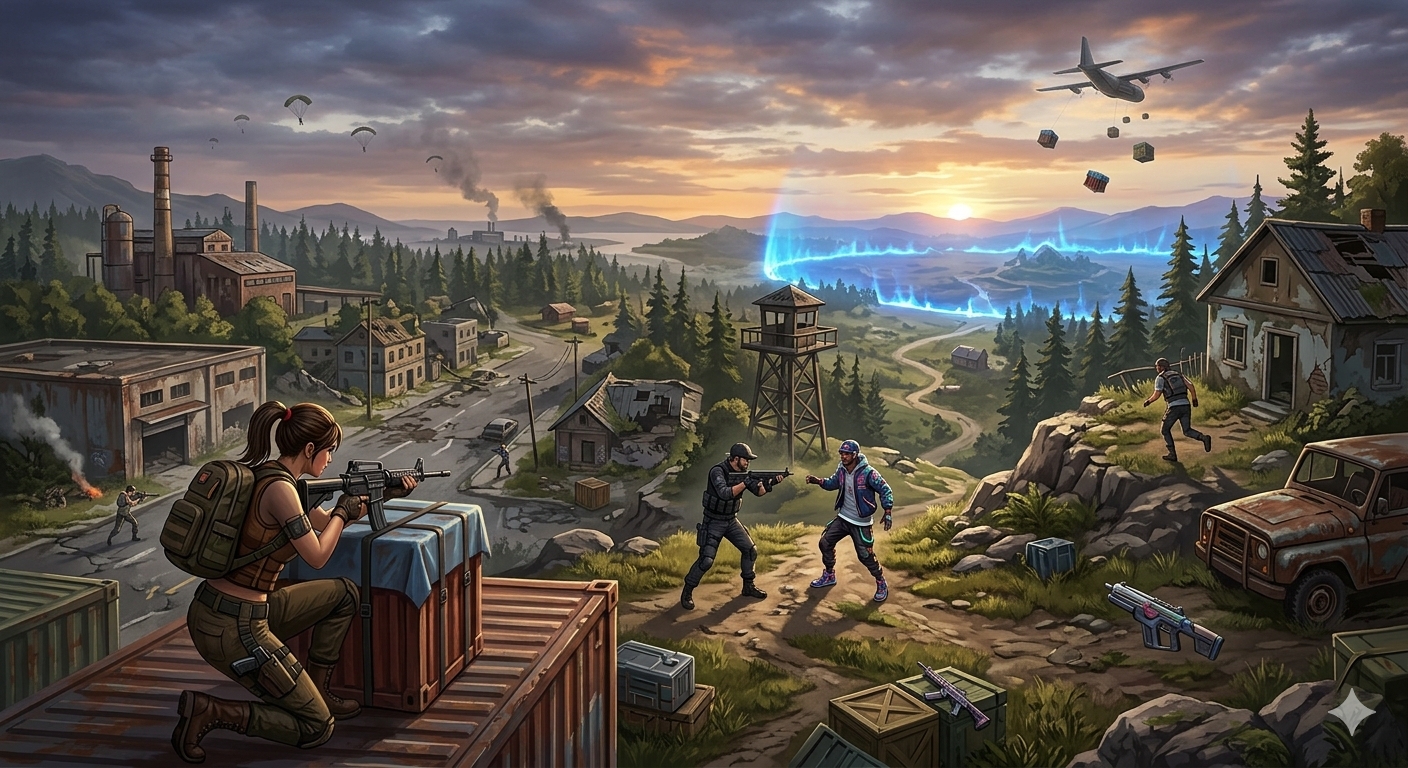
Pubg Inspire Font
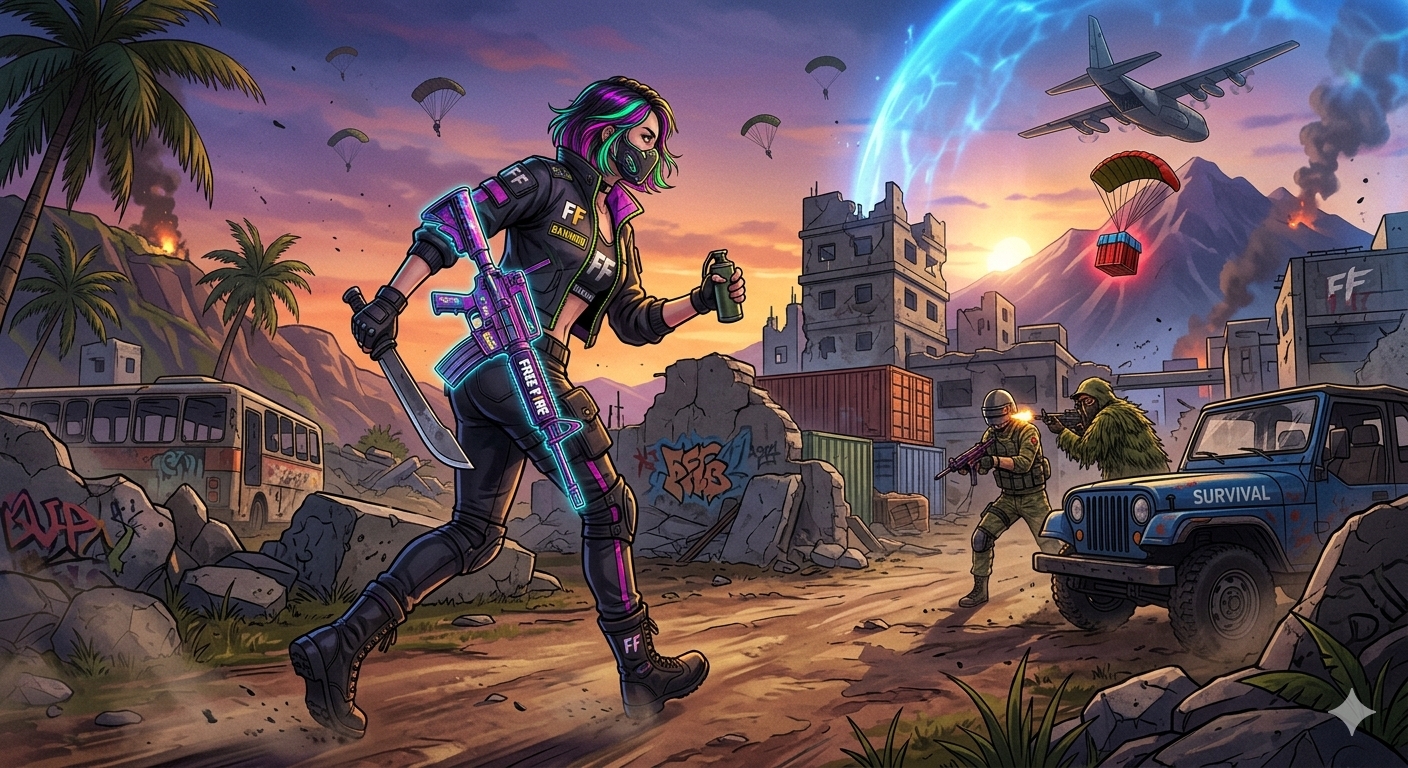
Free Fire Inspire Font

Whatsapp Font

Instagram Font
Tick-tok Font
Roblex Fonts
Valorant Fonts
Minecraft Fonts
Amongus Fonts
Discard Fonts
Fortnite Fonts
Looking for the best gaming style name generator? Our free tool helps you create unique nicknames using special symbols and text fonts. Whether you need a sweaty clan tag for Fortnite, a clean name for Valorant, or a funny crewmate text for Among Us, just type your name and copy your favorite style in one click!
Why a Unique Gaming Name Matters in Multiplayer Games
In competitive online gaming, your username is your digital identity. Before you even land your first headshot or win a battle royale, other players see your gamertag in the lobby, on the scoreboard, and in the kill feed. A memorable, stylish nickname sets the tone for your gameplay and helps you build recognition within your gaming community.
Standard keyboard letters often look plain and are frequently taken by millions of other players. Using a gaming style name generator solves both problems at once. By combining Unicode characters, aesthetic symbols, and custom typography, you can transform a common word like "Shadow" or "Sniper" into a distinct, eye-catching handle that stands out in every match.
How Our Gaming Style Name Generator Works
Unlike basic font tools that rely on installed system fonts, our generator uses universal Unicode symbols. Unicode is an international text standard supported by almost all modern smartphones, PCs, gaming consoles, and social media platforms. Because these characters are treated as standard text symbols rather than graphic images, you can copy and paste them directly into your game profile without needing any extra software.
Simply enter your desired base name into the text box above, and our system instantly converts it into dozens of unique styles. From aggressive, sharp edges suited for FPS titles to minimalist, spaced-out lettering for casual lobbies, you can preview every variation in real time and copy your favorite with a single tap.
Popular Gaming Name Styles by Genre
Different games have different lobby cultures and character limits. Choosing the right style ensures your name displays properly without turning into blank boxes or question marks.
- Battle Royale Games (PUBG Mobile, Free Fire, BGMI, Fortnite): Players in battle royale titles often prefer bold symbols, crown icons, wings, and clan tags at the beginning of their names. Adding a divider symbol like
么,ツ, or乡helps separate your squad tag from your personal nickname. - Tactical Shooters (Valorant, CS2, Call of Duty): Competitive tactical shooters favor clean, readable, and minimalist aesthetics. Small caps, subtle accents, and sleek spacing keep your name looking professional on the leaderboard without cluttering the screen.
- Social and Party Games (Among Us, Roblox, Minecraft): Casual games allow more room for humor, cute symbols, stars, and playful kaomoji faces. Creative text combinations make your character instantly recognizable during group chats and custom lobbies.
- Esports and Streaming Profiles (Twitch, YouTube, Discord): If you plan to stream or upload highlights, consistency across platforms is key. Picking a stylish yet easy-to-spell variation makes it simple for viewers to search for your channel and follow your content.
Tips for Creating a Pro-Level Gamertag
Before locking in your new username, keep a few practical tips in mind to avoid display errors or account issues:
- Check Game Character Limits: Many games restrict usernames to 12 to 16 characters. Complex Unicode symbols sometimes count as two characters instead of one, so keep your base name short if you plan to add decorative borders.
- Test Symbol Compatibility: While mobile games like Free Fire and BGMI support almost all fancy symbols, some PC clients restrict certain heavy decorative characters. Always paste your chosen name into the game's rename screen to verify every symbol renders cleanly.
- Keep It Readable: Overloading a username with too many overlapping diacritics (often called Zalgo or glitch text) can make it impossible for teammates to read or call out your name during voice chat. Balance decoration with clarity.
- Save a Backup Copy: Store your exact formatted gamertag in your phone's notes app or a private Discord server. If you ever need to log in on a new device or match your handle across another game, you will have the exact Unicode characters ready.
Frequently Asked Questions (FAQ)
Is this gaming name generator completely free to use?
Yes, our tool is 100% free with no daily limits, sign-ups, or hidden fees. You can generate and copy as many stylish nicknames, clan tags, and social media bios as you like.
Will these fancy fonts work in Free Fire, BGMI, and Valorant?
Most styles generated on this page work smoothly in Free Fire, BGMI, PUBG Mobile, Roblox, Discord, and Instagram. For Riot IDs in Valorant or League of Legends, stick to clean Latin variations and standard symbols, as Riot restricts certain non-standard Asian and decorative characters.
Why do some symbols show up as empty boxes in my game?
If a symbol appears as a blank rectangle or question mark, it means that specific game's font library does not support that particular Unicode character. Simply choose a cleaner font style from our list or replace the unsupported symbol with a classic star, crown, or Japanese katakana character like ツ.
Can I use these stylish names for YouTube and Discord?
Absolutely. Beyond in-game profiles, these Unicode text styles work great for Discord server nicknames, YouTube gaming channel titles, Twitch panels, and WhatsApp bios.